Do your ASO from your AI assistant
An MCP server with 51 tools: keywords, rivals, store text, reviews and sales, from Claude, Cursor, Codex or VS Code.
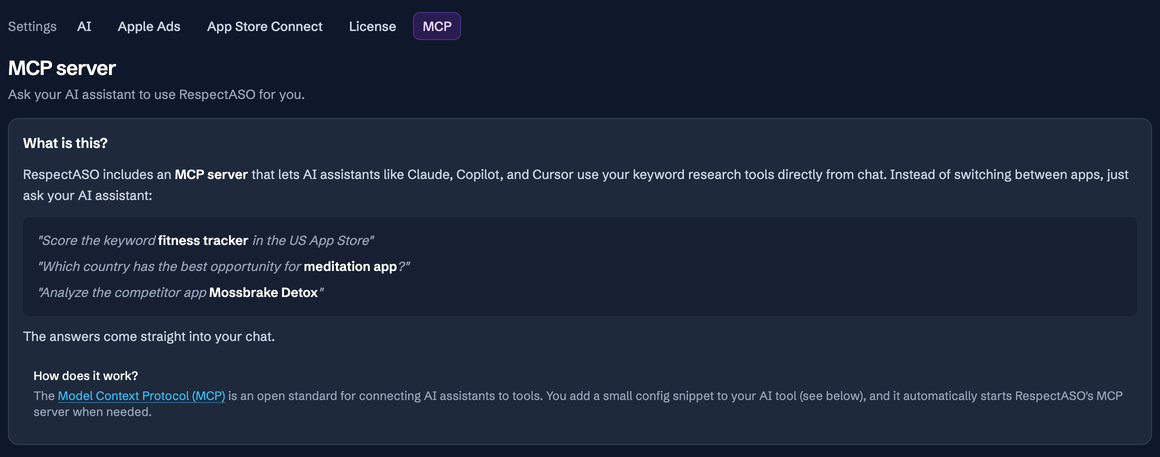
Ask, and it does the work
Connect RespectASO to your AI assistant and ask in your own words. It picks the tools, waits for the research to finish and answers in the same conversation.
Rivals
"How did my habit app do against its rivals this week?"
Store page
"Prepare 2.3's store page in German and French."
Results
"How did last week's keyword change do?"
What it can do
All 51 tools, grouped as the app groups them:
- Apps
- How each app is doing and what to do next, the same lines as the Apps page.
- Keyword scoring and tracking
- Popularity, difficulty and opportunity for any keyword, the best countries for it, and your tracked apps and keywords.
- AI research and analysis
- The AI Niche Researcher, the AI Competitor Analyzer and the ASO Score Simulator.
- Metadata utilities
- Check a title, subtitle and keyword field against Apple's limits, and see every search they cover.
- Rival Tracker
- What your rivals did, each keyword's rank history, and adding or removing rivals and keywords.
- Store
- Draft and apply store text and new languages, custom product pages, results and sales, and replies to reviews.
- Sessions and status
- Your research sessions and their results, Apple's top search terms and your impression share.
- Popularity source
- See or switch between Apple Ads popularity and the RespectASO estimate.
Every tool by name: the MCP guide.
Set it up in your assistant
You stay in charge
Your assistant drafts, and you apply in RespectASO. It saves store text in App Store Connect or posts review replies only when you turn that on under AI assistants in Settings, each on its own, and even then it never submits to App Review or deletes anything.
Why an assistant changes how ASO gets done: the AI ASO tool guide and an ASO workflow with your AI assistant.